Note this will **not** affect the Outdoor Low Temperature (ODL) used in the performance task. [Read here for more information. ](https://help.heatpunk.co.uk/books/faqs/page/why-is-the-outdoor-low-temperature-odl-not-changing-after-ive-amended-it "Why is the Outdoor Low Temperature (ODL) not changing after I've amended it?")
1. Navigate to the ***Plan task*** and the *Sources* tab 2. Below the sound heat pump load and sound check, click *Outside design temperature* 3. Set the temperature you want to use [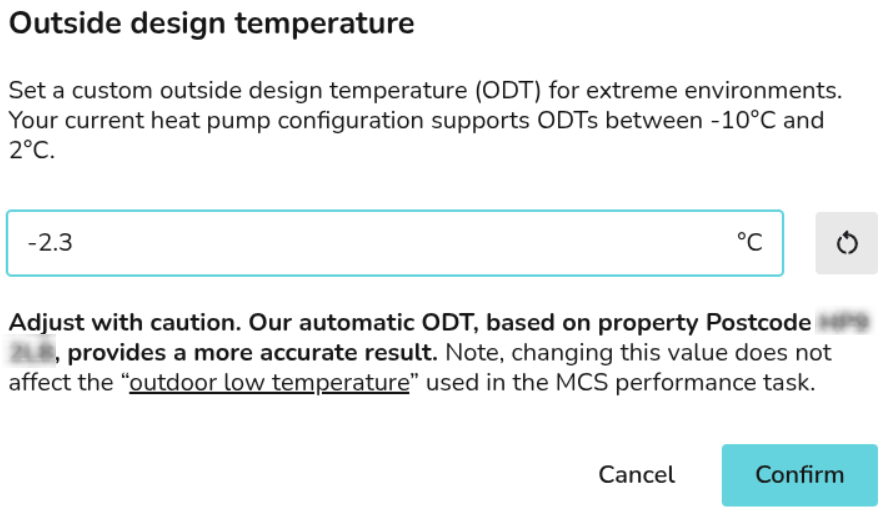](https://help.heatpunk.co.uk/uploads/images/gallery/2026-06/N8AhKSQdFnVuxqep-image.png)An additional **0.3°C** will need to be removed for every **50 m** above sea level, with altitude given in the input section of the technical report & customer proposal.