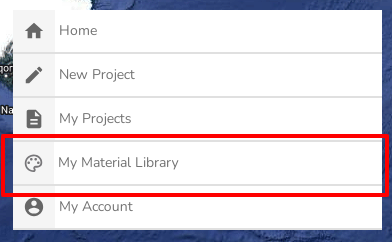
Managing your Material Library
Materials
- what
used in all your Heatpunk projects. They defineis thepropertiesmaterialoflibrarywalls, - where you can
createfindyour own.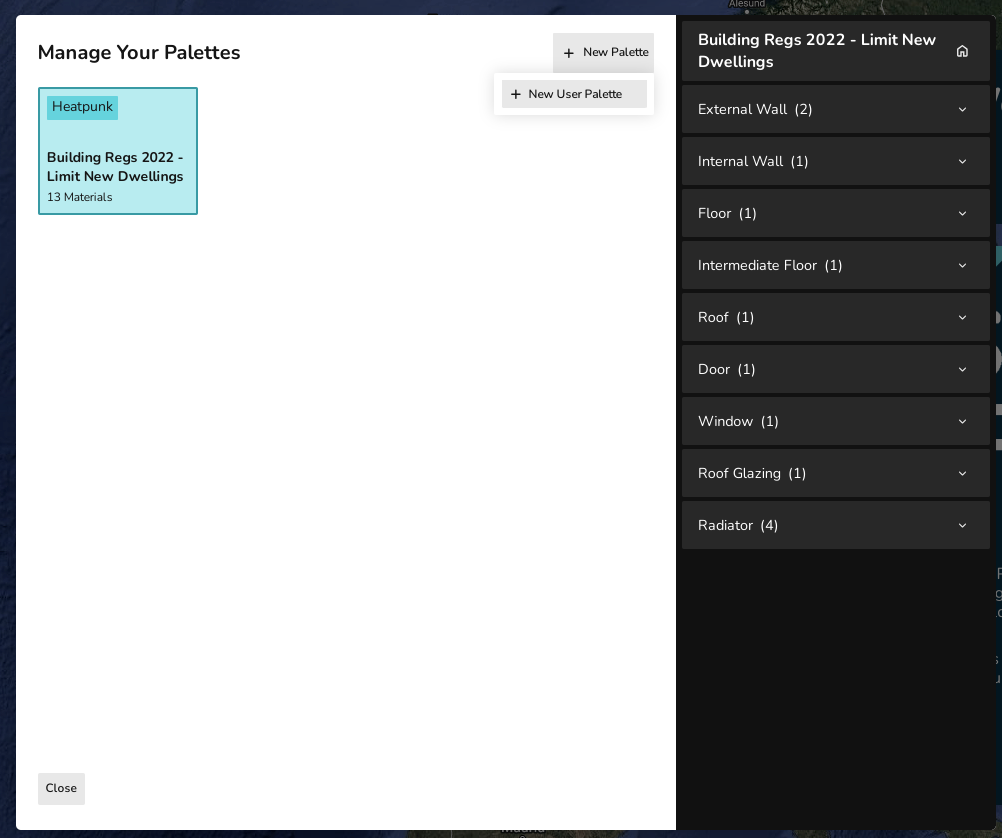
In each category you can star athe materialtolibrarymake - link:
that palette's default for that catergory. When adding to your floor plan, the default, starred material will automatically be used. This can be editted as necessary within a project.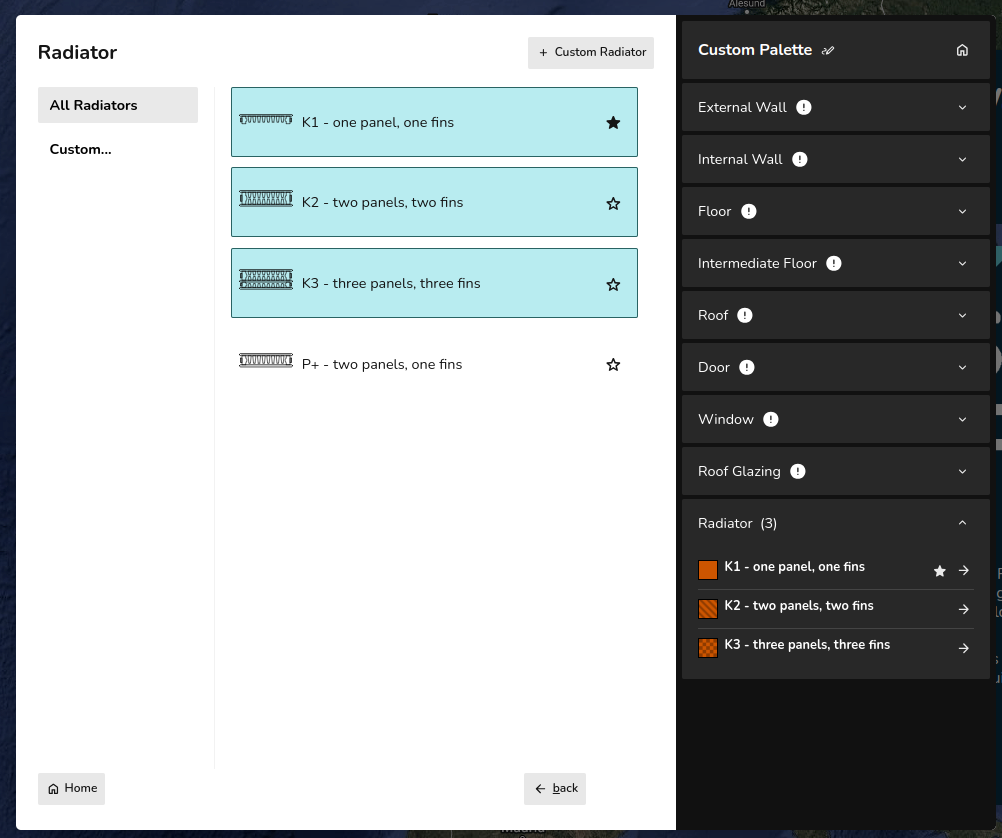
Adding MaterialsOnce you have created aselecting paletteyouonneedprojectto add materials. You can either add existing materials or create your own. Their are two options when creating your own material:Buildincompletelayerspalettes-willaddingnotmaterialsshowbyuplayers.in EnterprojectU value - adding materials with U-value
Windows,
Palettes
Materials in Heatpunk are stored in palettes. At the start of each project you will select a palette which contains the materials available to you in that project. Heatpunk includes a palette with a range of standard materials for you to use or
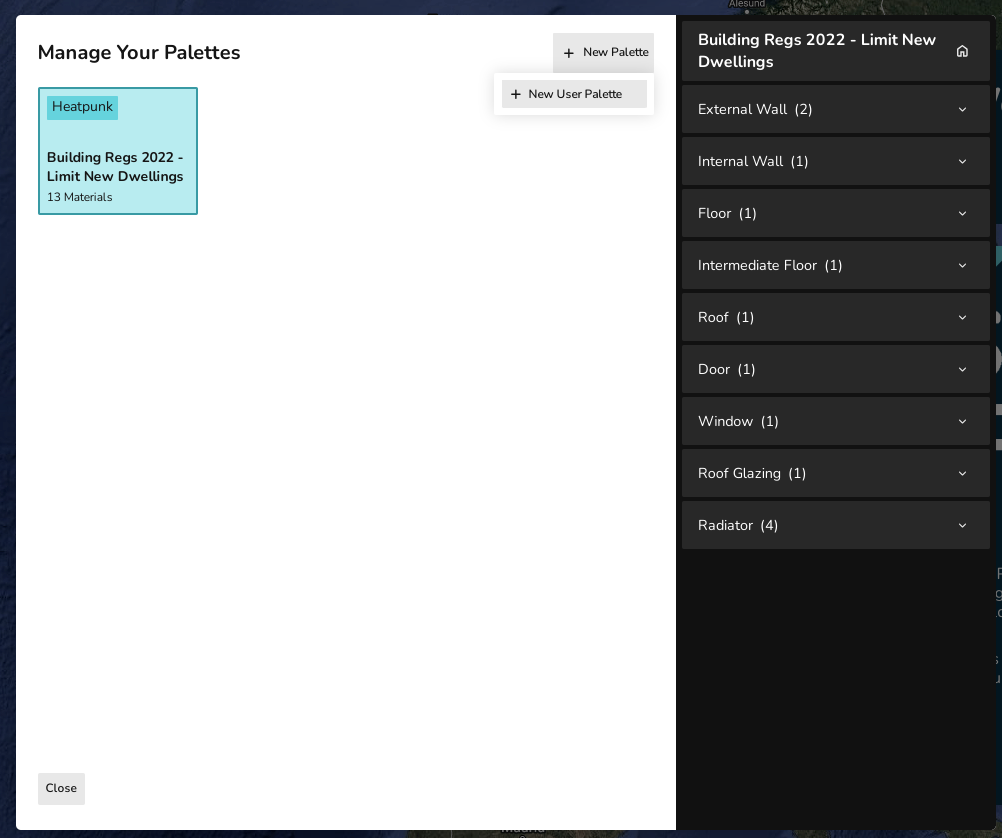
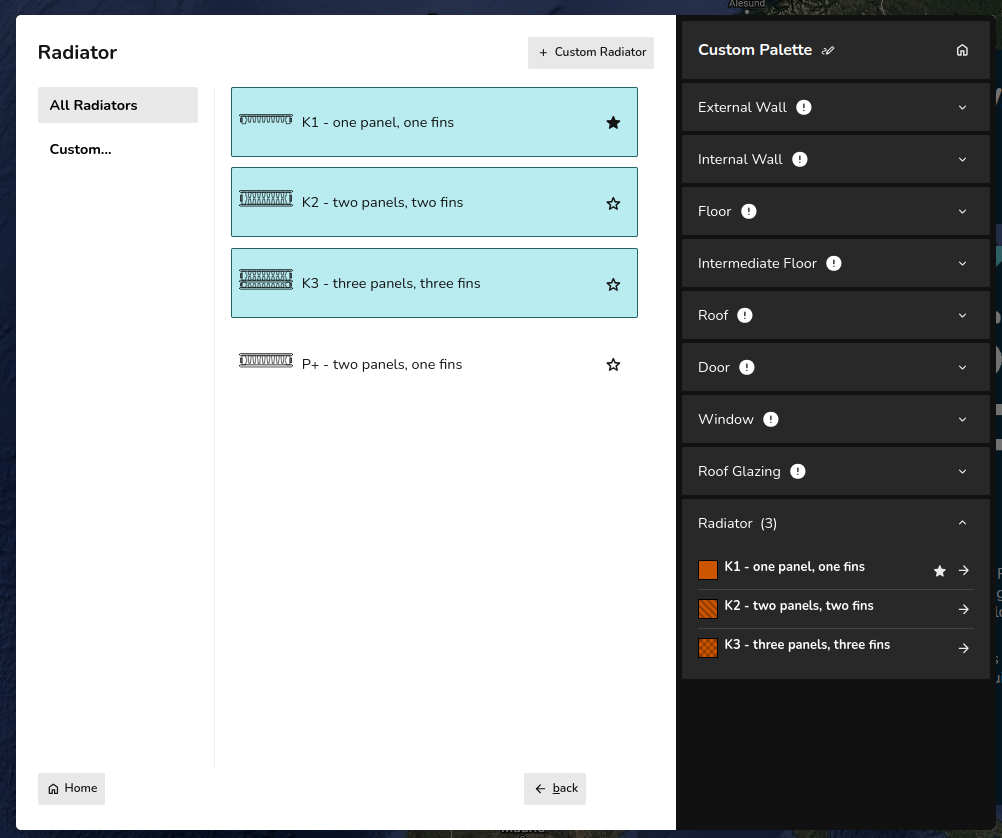
Each method for adding materials is described below and demonstrated in the following video.
NOTE: You must have at least one material selected in each category (external walls, internal walls, floor, etc). An exclamation mark will show next to categories that do not have a material selected. You do not have to use all the materials in your palette within the project.
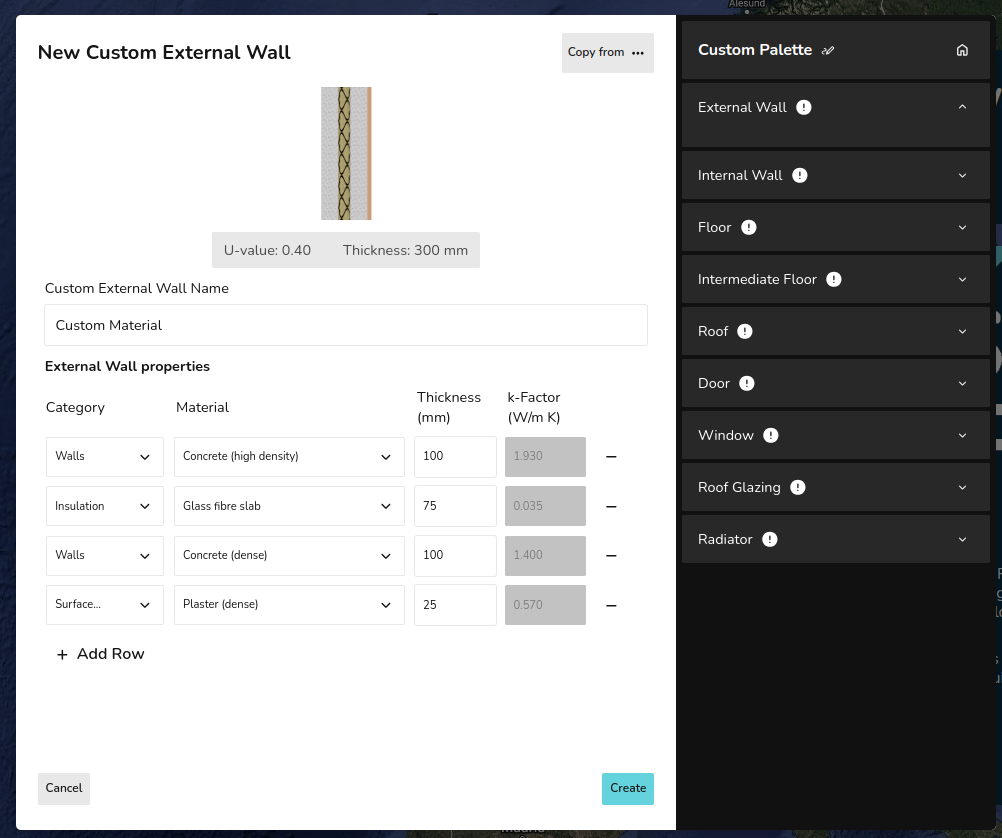
Adding materials by layers
When adding a material by layers, you need to define the Category, Material and Thickness of each layer. This will then generate a k-Factor for each layer as well as a U-value and total thickness for the wall. Adding rows will add layers. Layers can be removed using the - on the right.
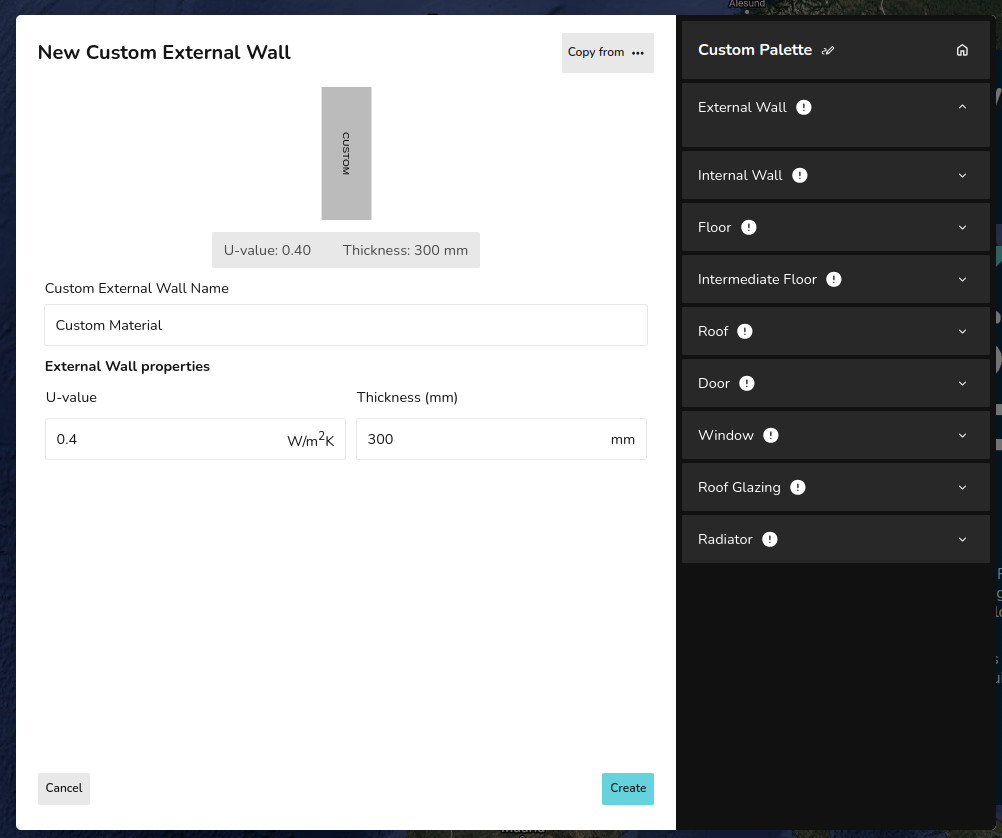
Adding materials with U-value
When adding a material with the U-value you simply need to input the U-value and thickness.
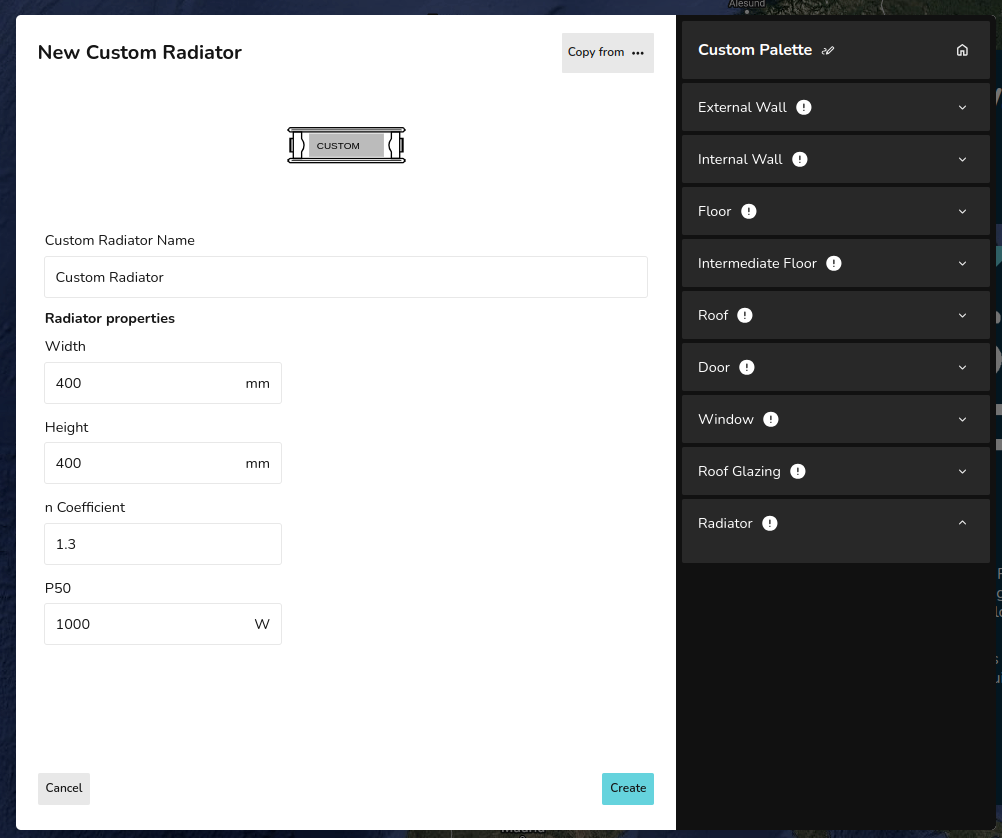
Adding radiators
When adding a radiator you need to define the default width and height, as well as the n coefficient, and P50 of the radiator. You can edit the width and height as necessary within your project.