Can I model the Home Energy Scotland Grant funding in Heatpunk?
Yes, you can. The financial task features an updated option for additional grants that fully supports the Home Energy Scotland (HES) scheme.
Below is a step by step guide on how to set this up in your Heatpunk project:
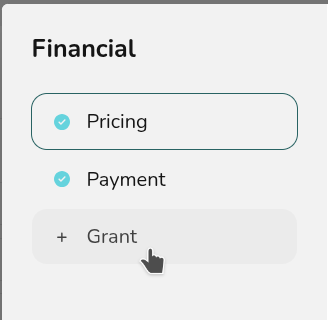
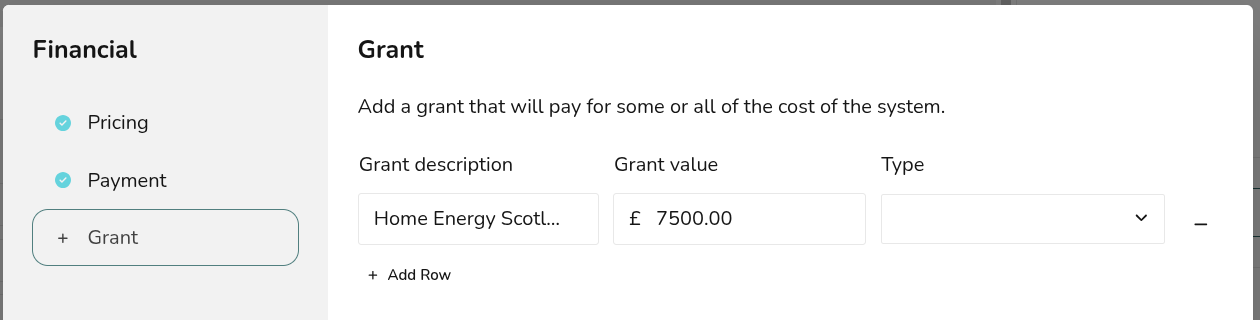
- Navigate to the Financial task. Click the 'Financial inputs' button in the top right and select Grant.
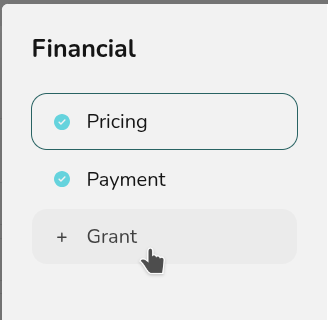
- Set the grant description to Home Energy Scotland Grant. This is how it will appear on the quote.
- Enter the grant value. This is £7,500 for standard homeowners and can be uplifted to £9,000 for rural locations.
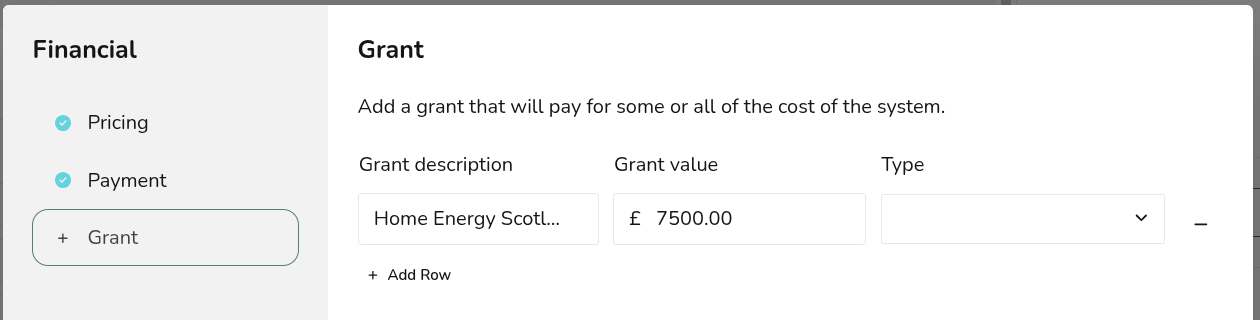
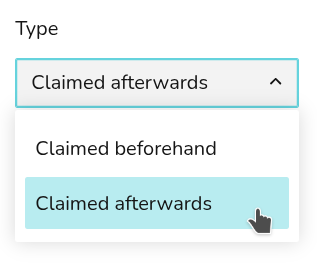
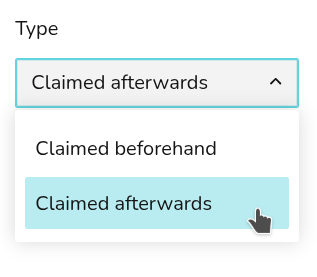
- Set the 'Type' dropdown to Claimed afterwards.
Unlike England's Boiler Upgrade Scheme (where the installer receives the voucher directly), the Scottish Government requires the customer to claim the funding back after the work is complete. Selecting "Claimed afterwards" ensures that: The correct effective cost is shown to the customer in their proposal. The gross amount due to the installer remains completely accurate so you get paid correctly.