
How can I choose between the 99th and 99.6th percentile outdoor design temperature (ODT)?
heatpunk.co.ukThis guide applies to Heatpunk UK.
Choosing the 99.6th percentile ODT means that no additional uplift is needed for intermittent heating or exposed locations.
Choose default for oneall project:new projects your Pro team make:
An admin or owner can navigate to yourTeam projectpreferences > PlansDesign task.tab Click> the 3 dots in the top right corner to view moreand optionsedit thendefault selecttemperatures. temperature

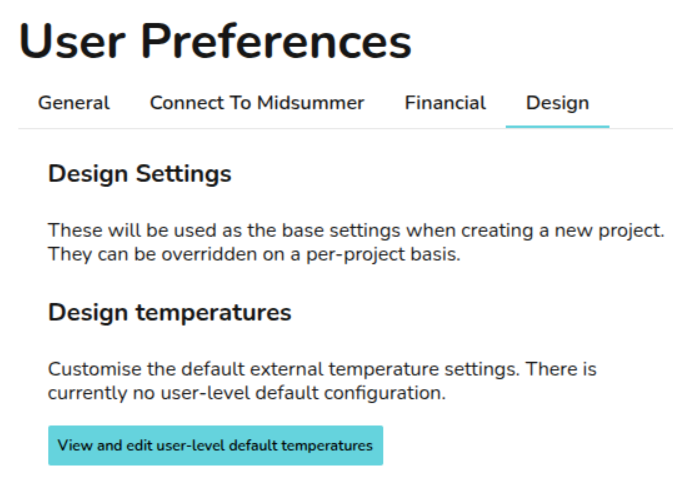
Choose default for all new projects you make:make as an individual user:
Choose
Note: For individual users not in a Pro team, these settings will apply by default forto all new projects youryou Teamcreate, make:unless individual project values are adjusted.
Choose setting for one project:
team'sNote: designThis settingsoverrides takeTeam priorityand overUser yoursettings, individualletting designyou settings.change temperatures on a per project basis when needed.
Note:Note: inIn the Performance task, the outdoor low temperature uses the 99.6th percentile, regardless of which ODT is selected.
Find out more about how the ODT is set.
Find out more about how to change the ODT.