
How can I choose between the 99th and 99.6th percentile outdoor design temperature (ODT)?
heatpunk.co.ukThis guide applies to Heatpunk UK.
Choose default for all new projects your Pro team make:
An admin or owner can navigate to Pro Account Settings > Design > view and edit default temperatures.

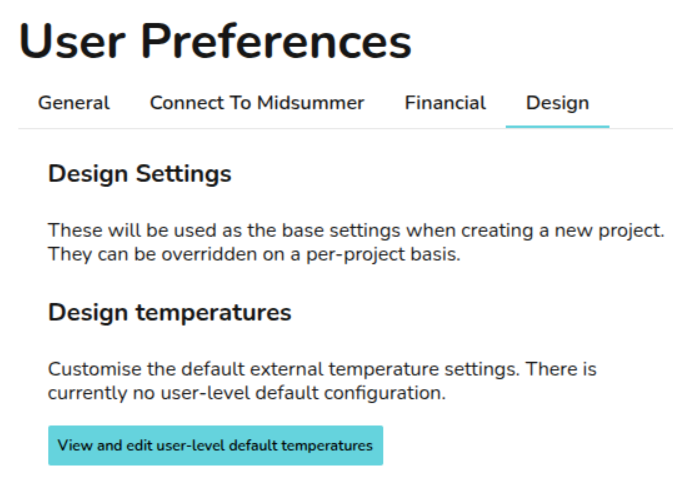
Choose default for all new projects you make as an individual user:
Note: For individual users not in a Pro team, these settings will apply by default to all new projects you create, unless individual project values are adjusted.
Choose setting for one project:
Note: This overrides Team and User settings, letting you change temperatures on a per project basis when needed.
Note: In the Performance task, the outdoor low temperature uses the 99.6th percentile, regardless of which ODT is selected.
Find out more about how the ODT is set.
Find out more about how to change the ODT.