
How do I change the Outdoor Design Temperature (ODT) for my project?
To change the ODT, follow these steps:
Note this will not affect the Outdoor Low Temperature (ODL) used in the performance task. Read here for more information.
- Navigate to the Plan task and the Sources tab
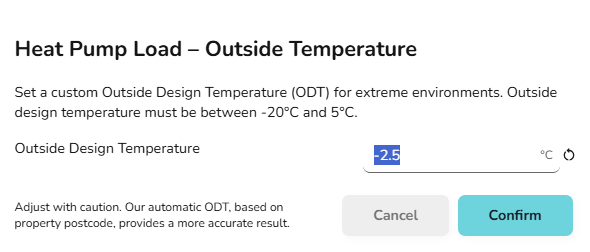
- Below the sound heat pump load and sound check, click Outside design temperature
- Set the temperature you want to use
An additional 0.3°C will need to be removed for every 50 m above sea level, with altitude given in the input section of the technical report & customer proposal.