
Consumption task
Getting started with the Consumption task
You can access the consumption task via the 'Tasks' drop-down menu or from the task list to the left on the project overview page.
When the Consumption Task opens, a popup will appear. Here, you can configure the settings for calculating the new and old system's consumption. You also have the option to factor in any benefits from solar and battery.
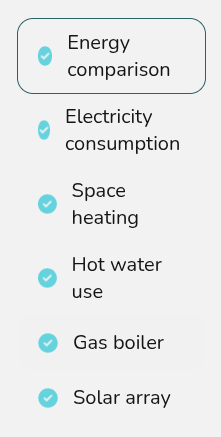
Navigating the Consumption task
|
|
Edit inputs Update the electricity, hot water and space heating consumption, energy comparison and solar information |
The right-hand sidebar on the page includes options to help you navigate through the different sections of insights.
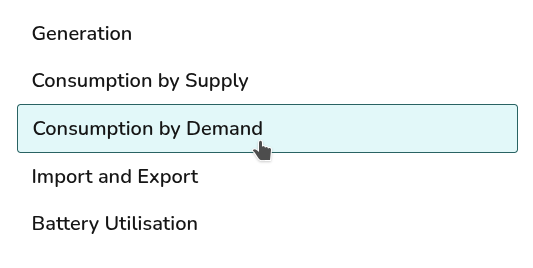
Where solar has not been included Consumption by Supply and Import and Export tabs will not display. Where a battery has not been included, Battery Utilisation will not display.