
Emitters
[emitters tab intro, with sidebar diagram covering sections below]
Adding radiators
Drag and drop, edit gif
Existing radiators should be added to the Surveyed plan.
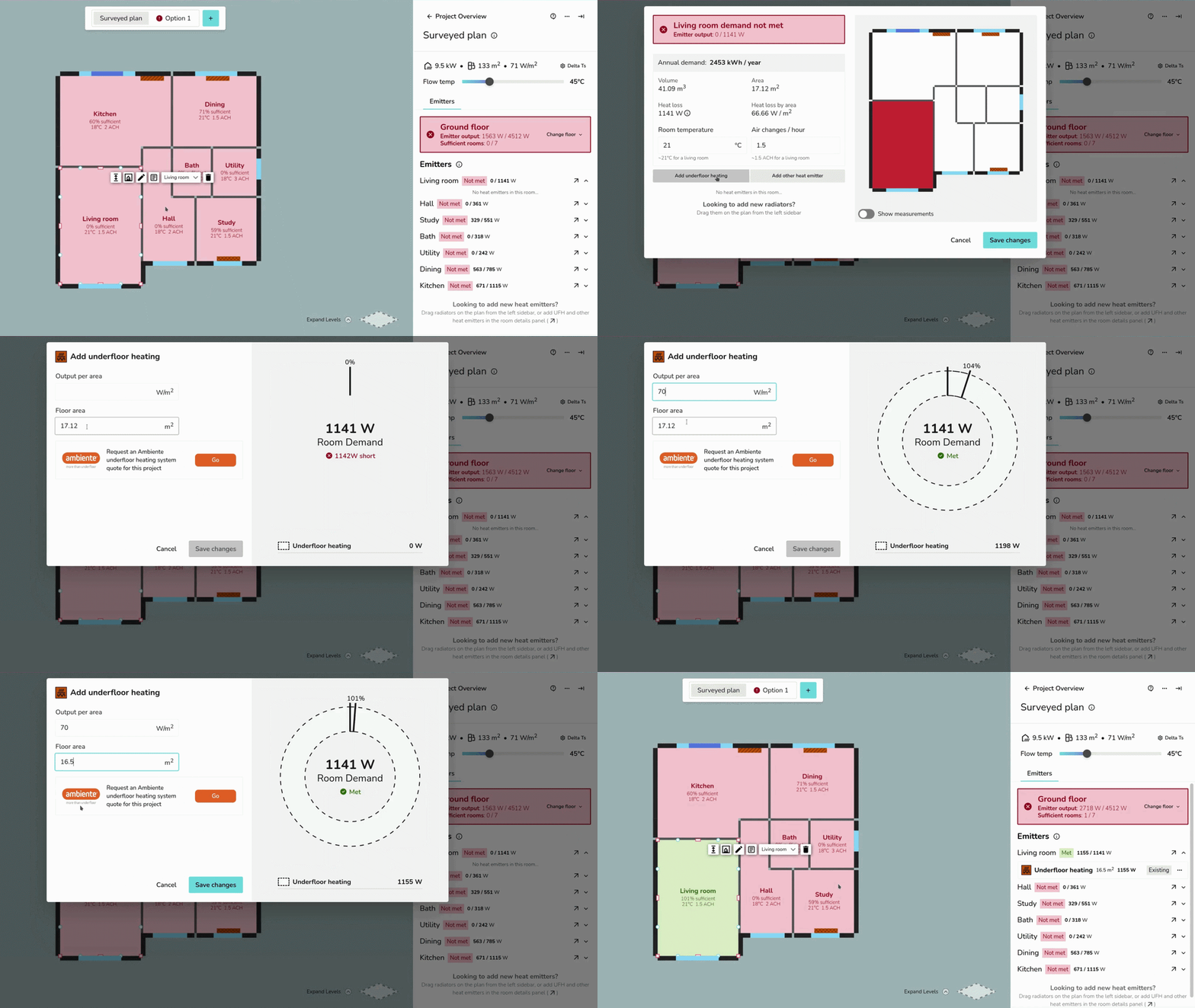
Adding underfloor heating or other emitters
AddTo add underfloor heatingheating, gif
to the Emitters tab > ⋯ three dots > 🡥 See room details for the room where you're adding UFH or other emitters.
For other emitters, specify the name and the output:
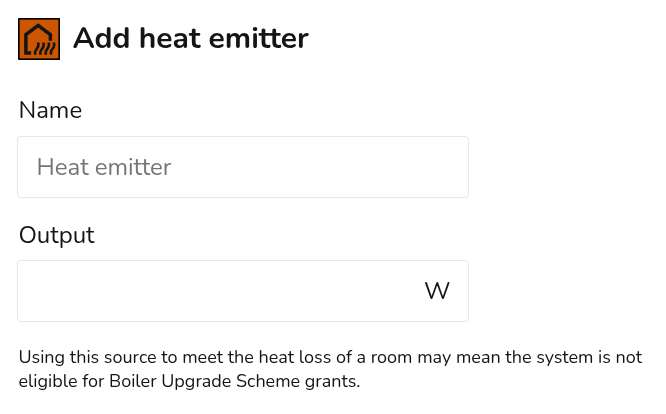
UFH and other non-radiator heat emitters have a fixed output that does not change with the flow temperature in Heatpunk. Make sure the output is correct for the chosen flow temperature.
RadiatorEmitter upgrades
Radiator upgrades
delete,Click dragon +the drop,radiator on the plan and then click upgrade.
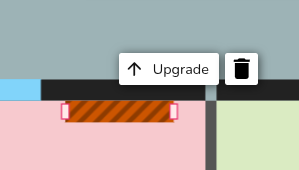
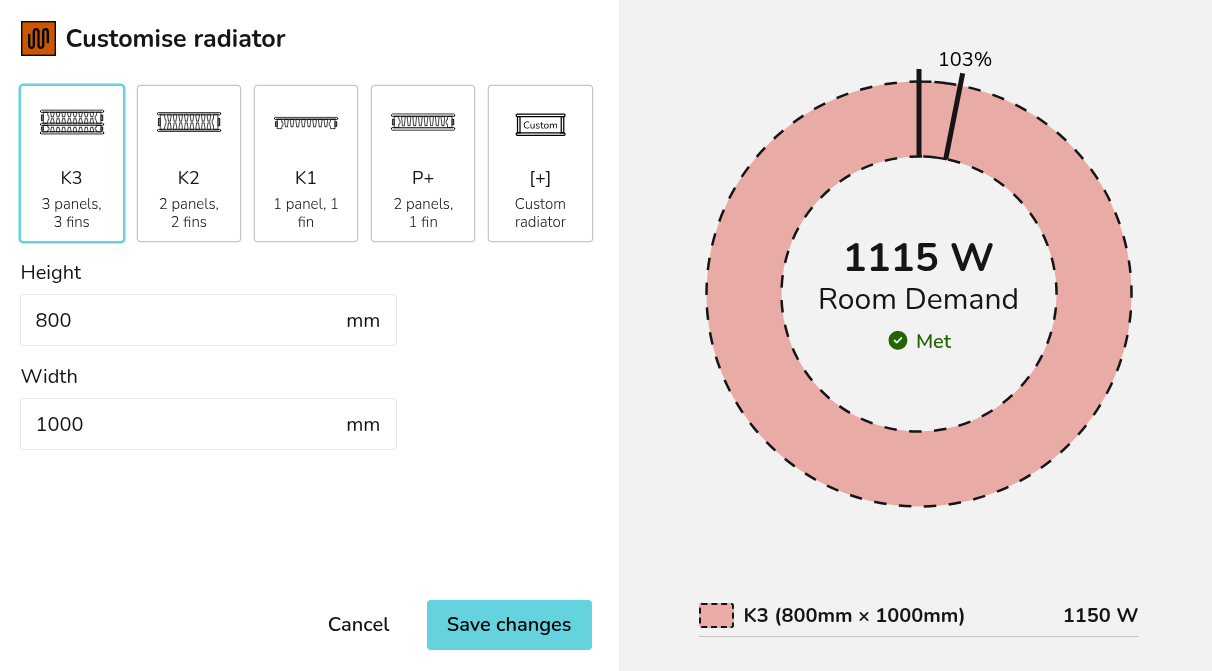
Clicking theseSave changes will delete the existing radiator from the floor plan and replace it with the new radiator.
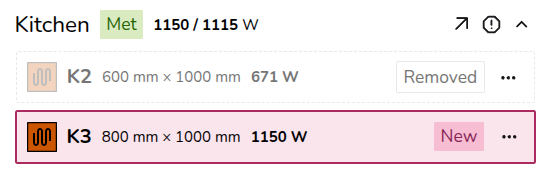
Underfloor heating and other emitters upgrades
If you are beingreplacing upgraded,the theseradiator shouldwith beunderfloor deletedheating (or another emitter), delete the radiator from the plan and replacedfollow fromthe designsteps optionsabove ratherto thanadd edited.UFH to a project.
Overriding heat loss
To override the heat loss on a room, click the exclamation icon next to the 🡥 icon. Input the reason for the override and save.
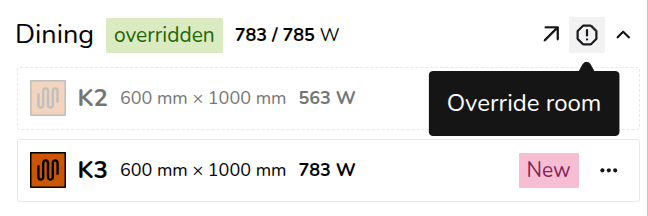
The text will then appear on the floor plan. To view the full text, click 🡥 See room details.