
Using Material Palettes within projects
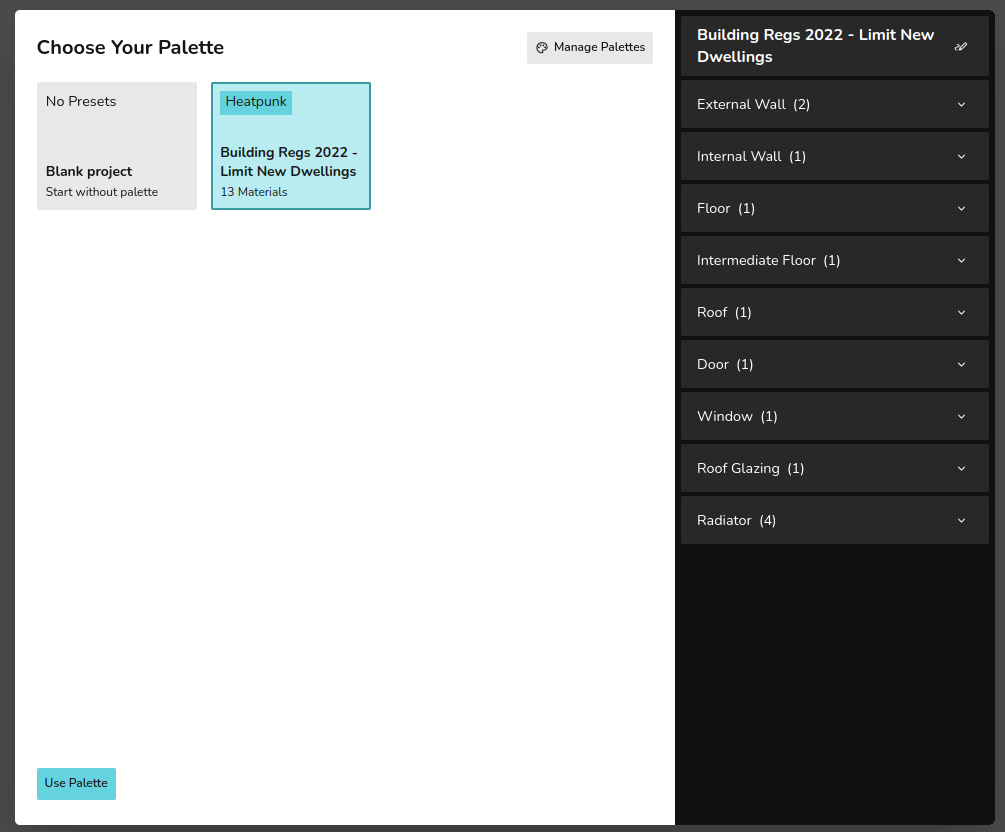
On creating a Heatpunk project you will be asked to choose a palette. This will contain all the materials you will use in your project. You can always add materials later. We recommend choosingChoosing a palette rather
link: startingcreating withpalette. aNote blankthis project.will not save, if you'd like to create user or team level tariff, navigate to material library
PleaseEditing seematerials thefrom guidefloor onplan Managing
selecting Materialmaterial Libraryused
explain detailsdefault onmaterials (again? should probably be mention in creating andpalette edittingguide) your