
How do you select underfloor heating?
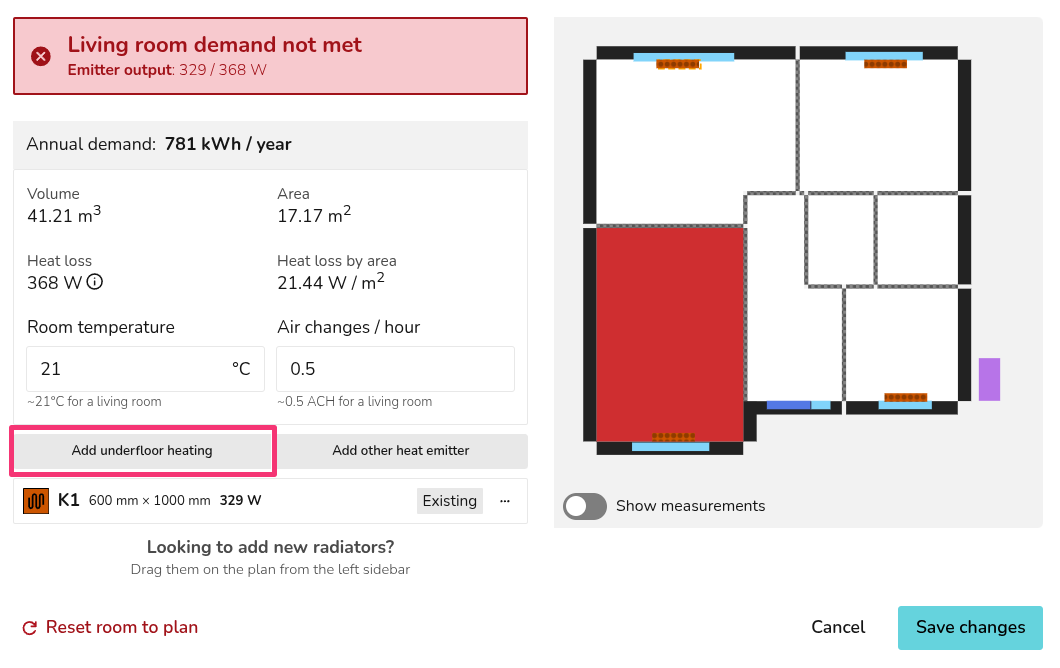
While on the Plan task, from the Emitters sidebar, click the 🡥 icon and then select Add Underfloor Heating which will prompt you to input the floor area covered by the underfloor heating elements and their outputs in W/m2.
More information and a video can be found on our emitters guide.